From browsing verified listings to getting your booking confirmed — here's exactly how it works on UrbanTenants, start to finish.
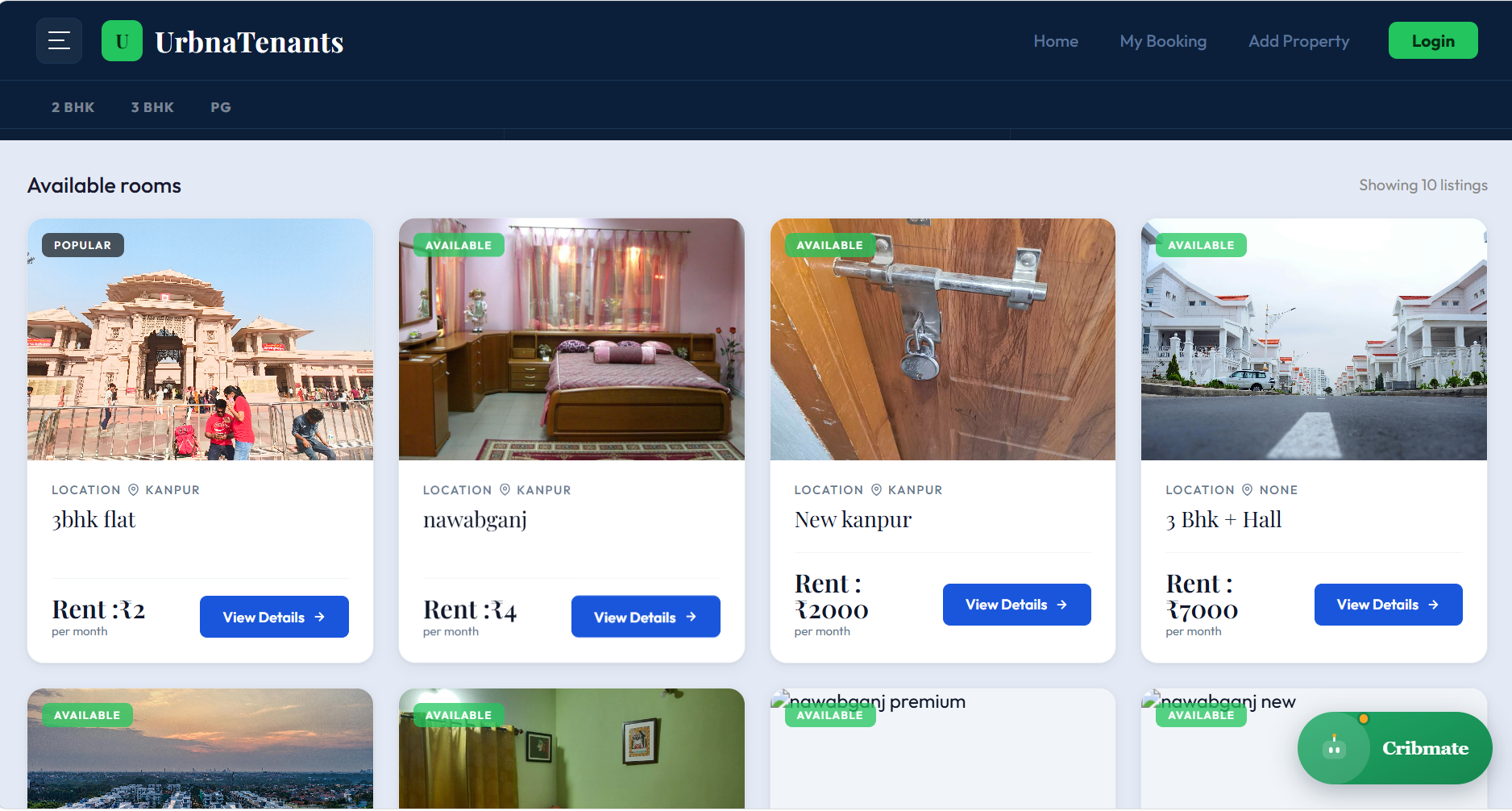
Explore PGs, rooms, and flats filtered by your preferred location and budget. Tap "View Details" on any listing to learn more about the property.
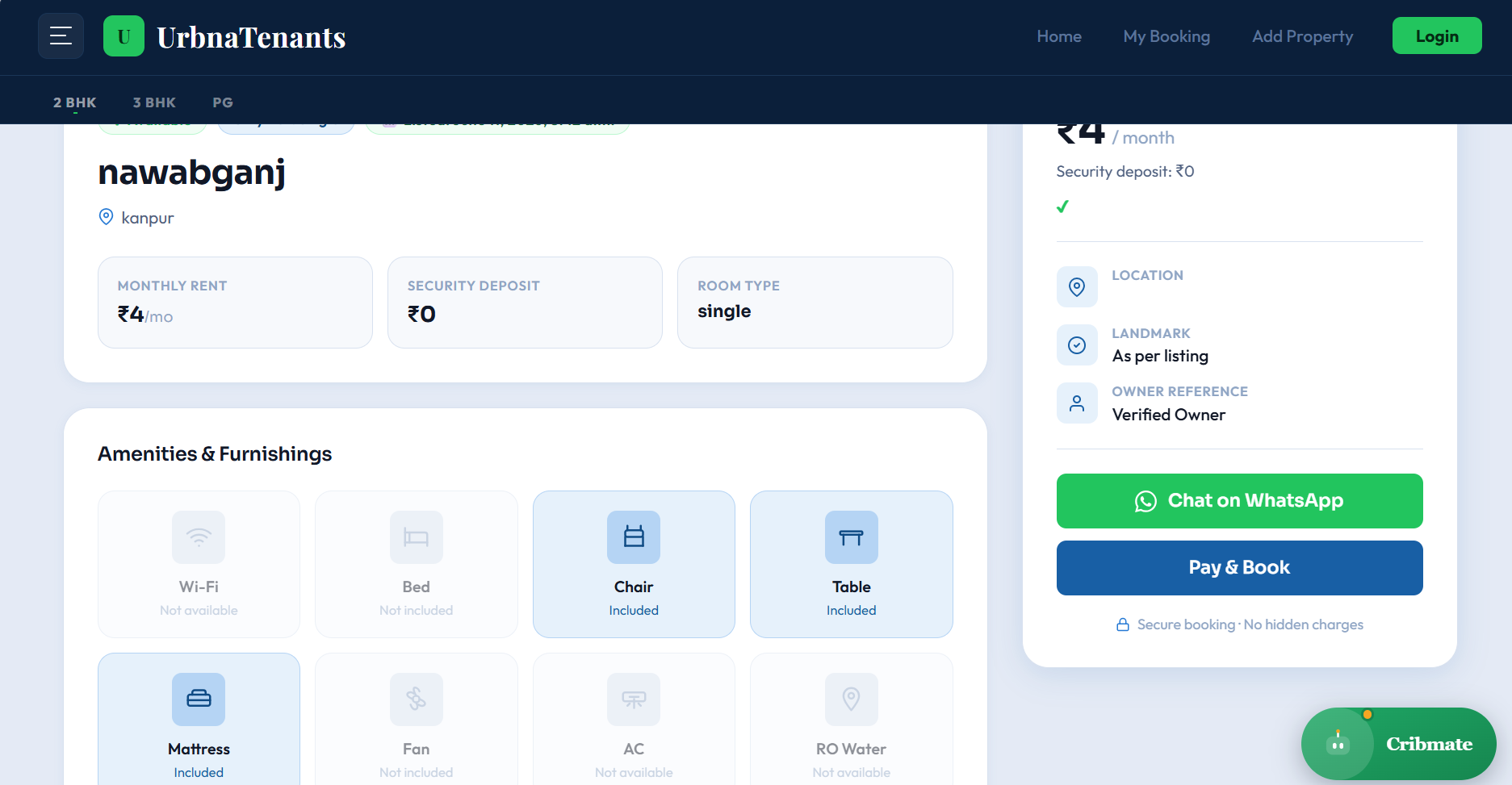
Check the monthly rent, security deposit, amenities, room type, furnishing, and owner verification before making your booking decision.
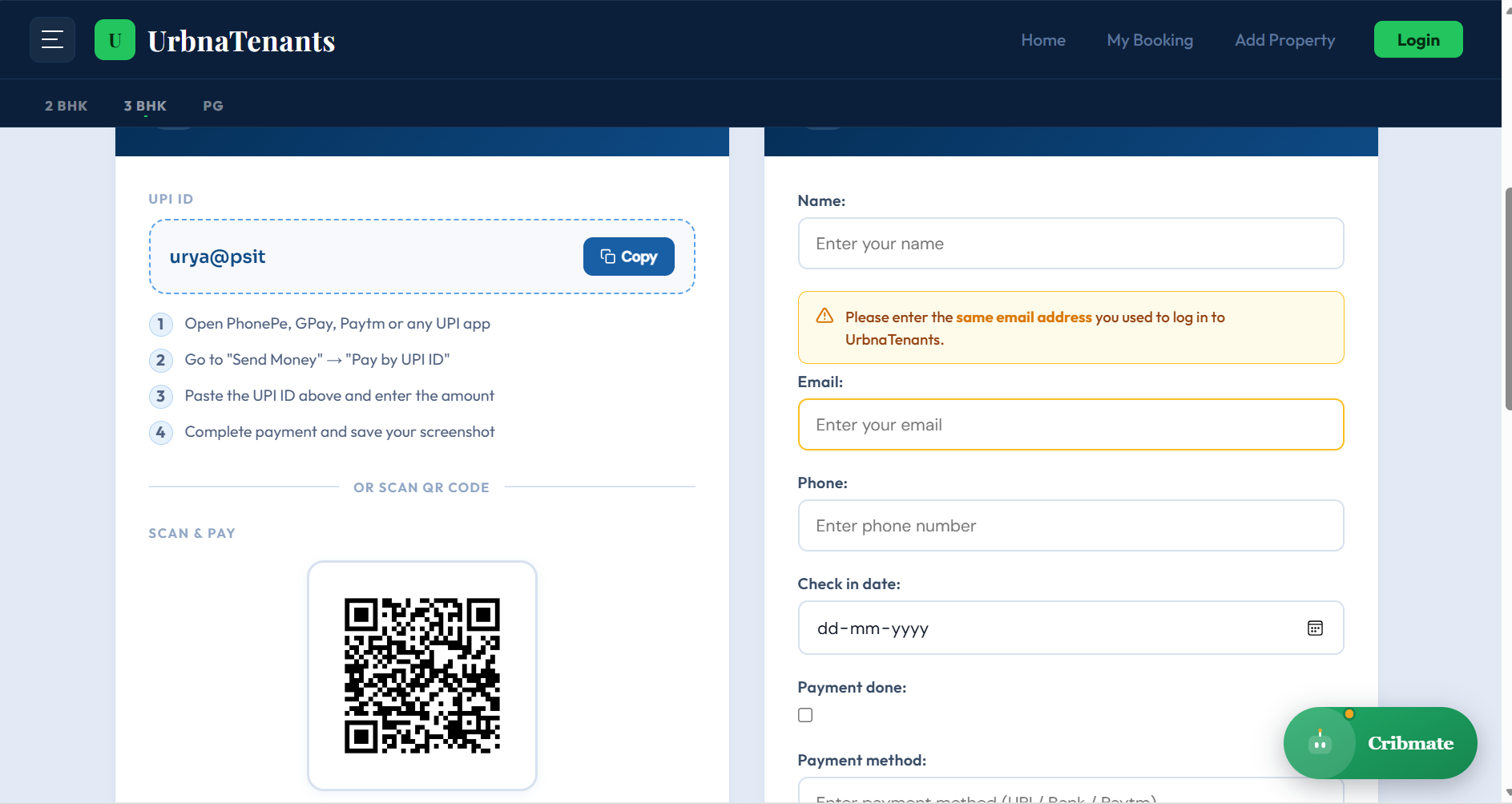
Use the provided UPI ID or QR code to complete your booking payment securely through PhonePe, Google Pay, Paytm, or any UPI app.
Enter your name, email, phone number, check-in date, transaction ID, and upload your payment screenshot to confirm the booking request.
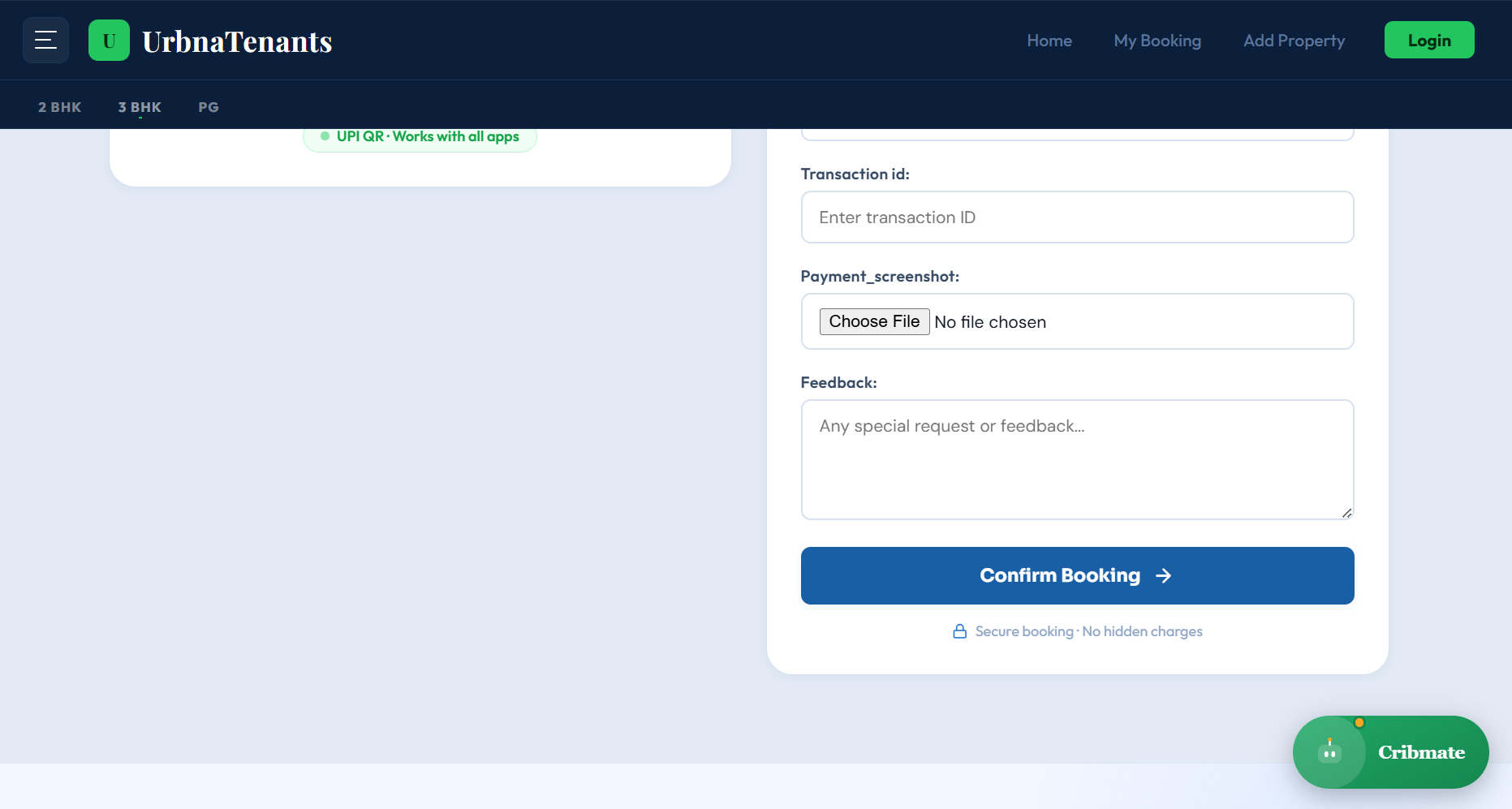
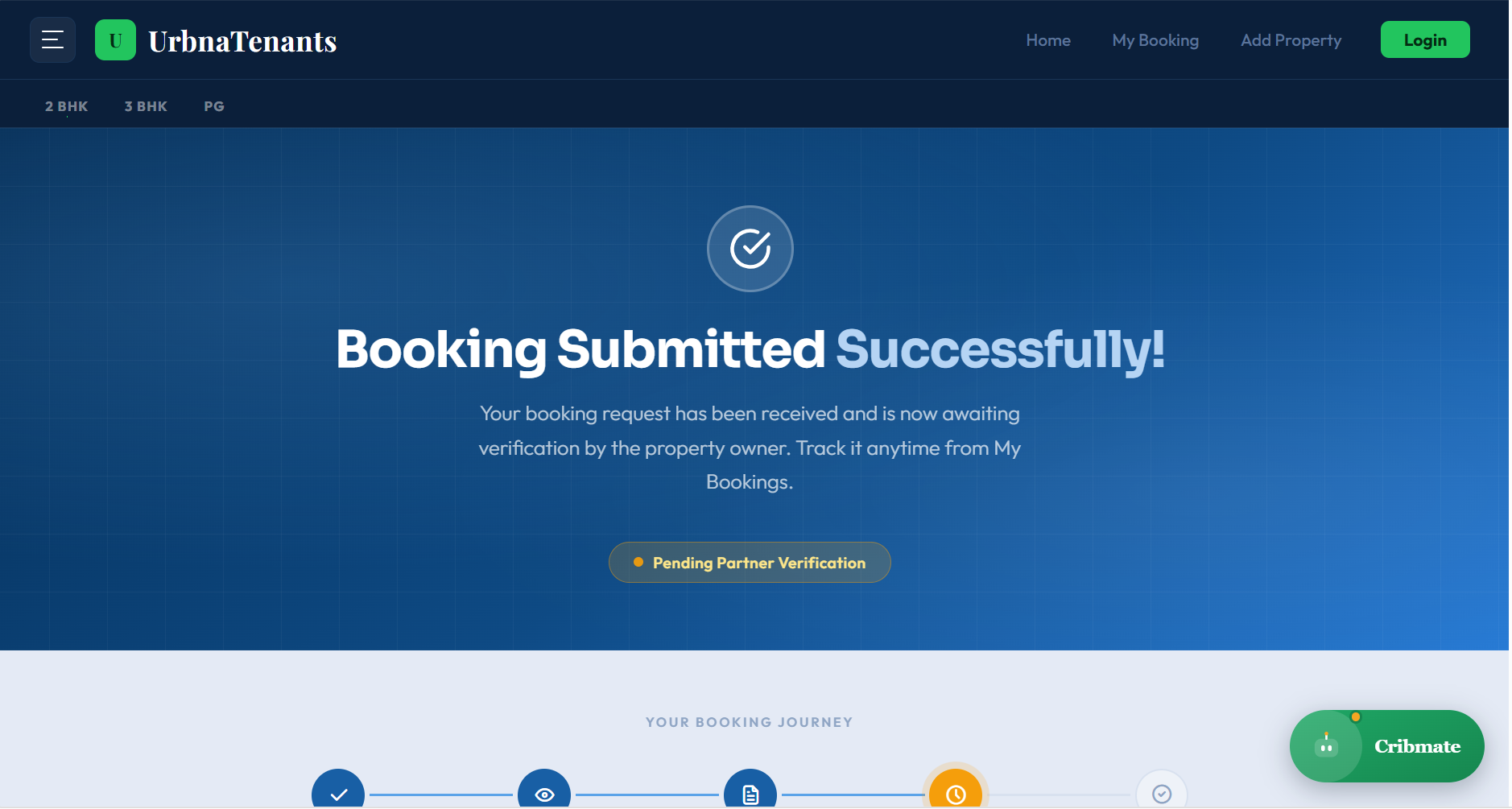
Once submitted, your booking enters verification. Track its status anytime from the My Booking section.
Every property is checked for quality before it goes live.
No hidden charges at any step of your booking.
UPI-based booking that's fast and protected.
Follow your booking status anytime, in real time.
Verification time depends on how quickly the property owner responds — most are confirmed within a day.
Yes — use the WhatsApp button on the property page to message the owner directly.
Visit the My Booking section after logging in to see live status updates.
You can pay using any UPI app — PhonePe, Google Pay, Paytm, or by scanning the QR code shown at checkout.
Refund policies vary by property owner. Check the cancellation terms on the property page, or message the owner on WhatsApp before booking.
Your payment screenshot and details are sent to the owner for verification. Once approved, you'll get a confirmation and the booking status updates to "Confirmed" in My Booking.
Yes, a quick sign-up is required so you can track your booking status and receive updates from the owner.
If an owner rejects a booking, your amount is refunded as per their policy and you're free to book another listing right away.
Start browsing rooms and submit your booking today.
Browse rooms